
Support
How to contact Spokenly support and include technical logs.
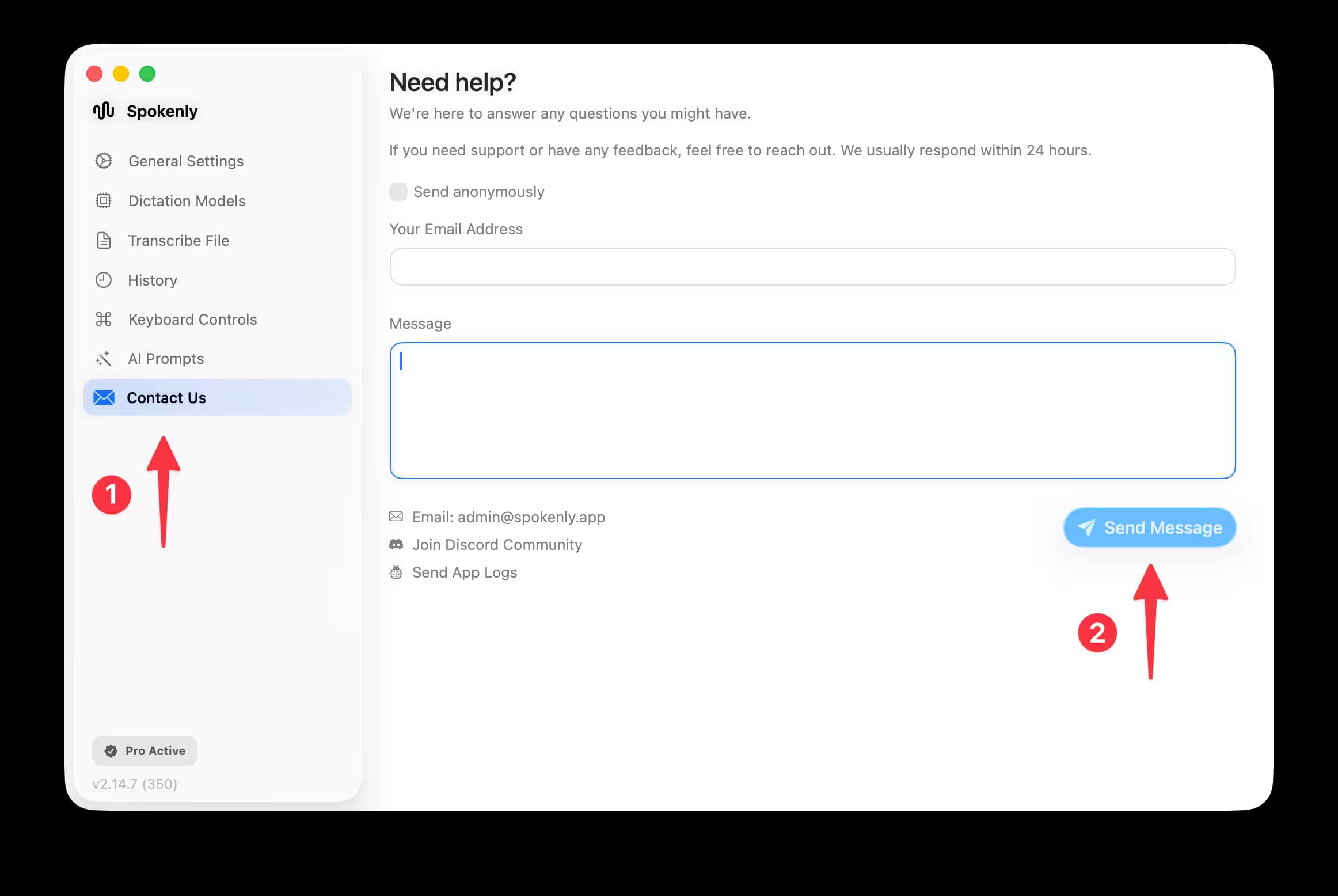
Best Way to Contact Us
Open Spokenly
Go to the Contact page.
Send your message
Enter your message and email, then select Send Message.
Include logs
Select Send Logs to include technical logs with your message.
Including logs speeds up troubleshooting and does not include private information, transcripts, or audio recordings.
Add a short video or screenshot link if you can; it makes it easier for us to pinpoint the issue.
Email option
If you can’t use the in‑app flow, email us at admin@spokenly.app. Please include details about what happened so we can help faster.